Customers
Customers are the companies and individuals you invoice. Add them once and select them on every sales transaction.
Customers list
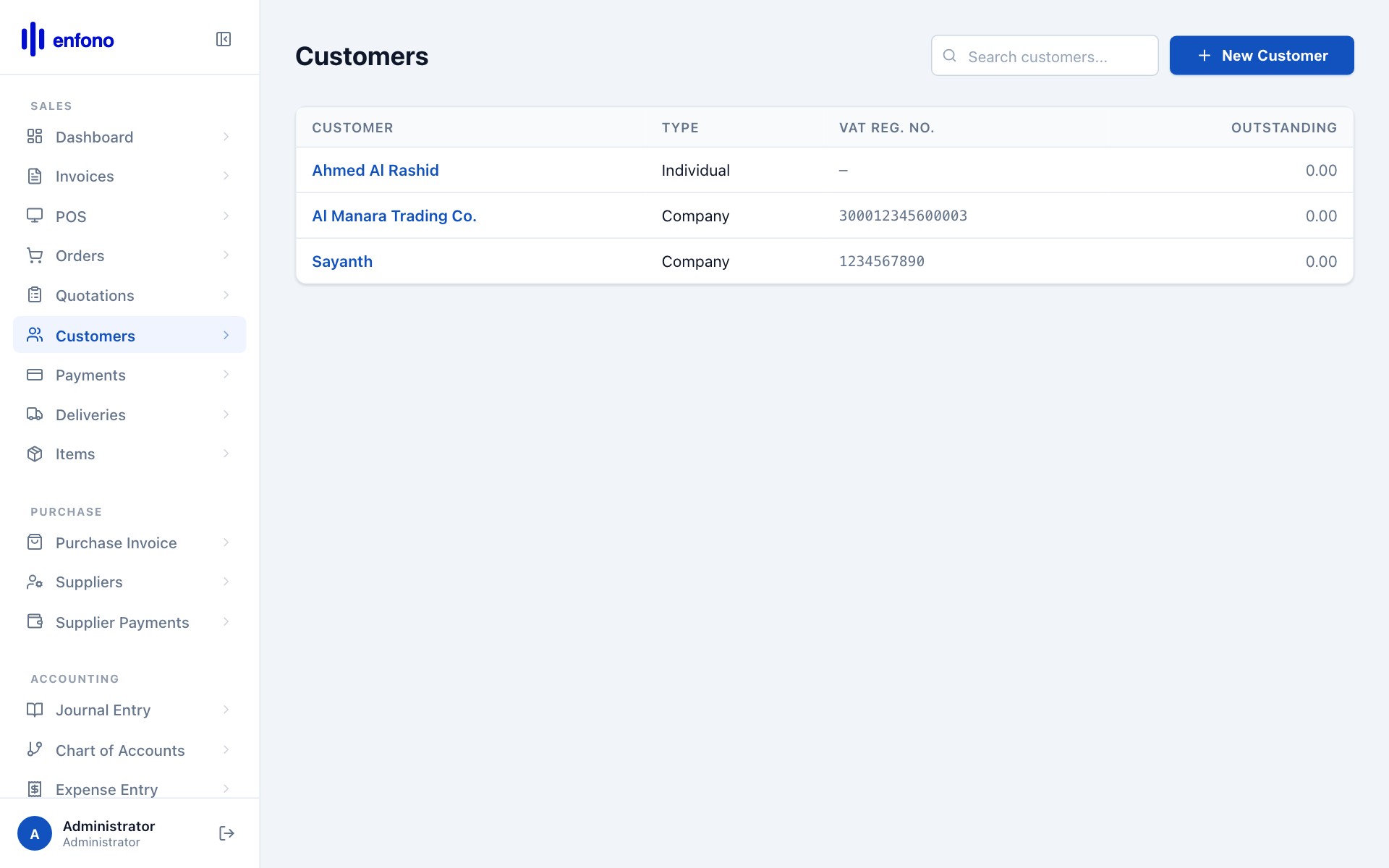
Go to Selling → Customers. You'll see all your customers:
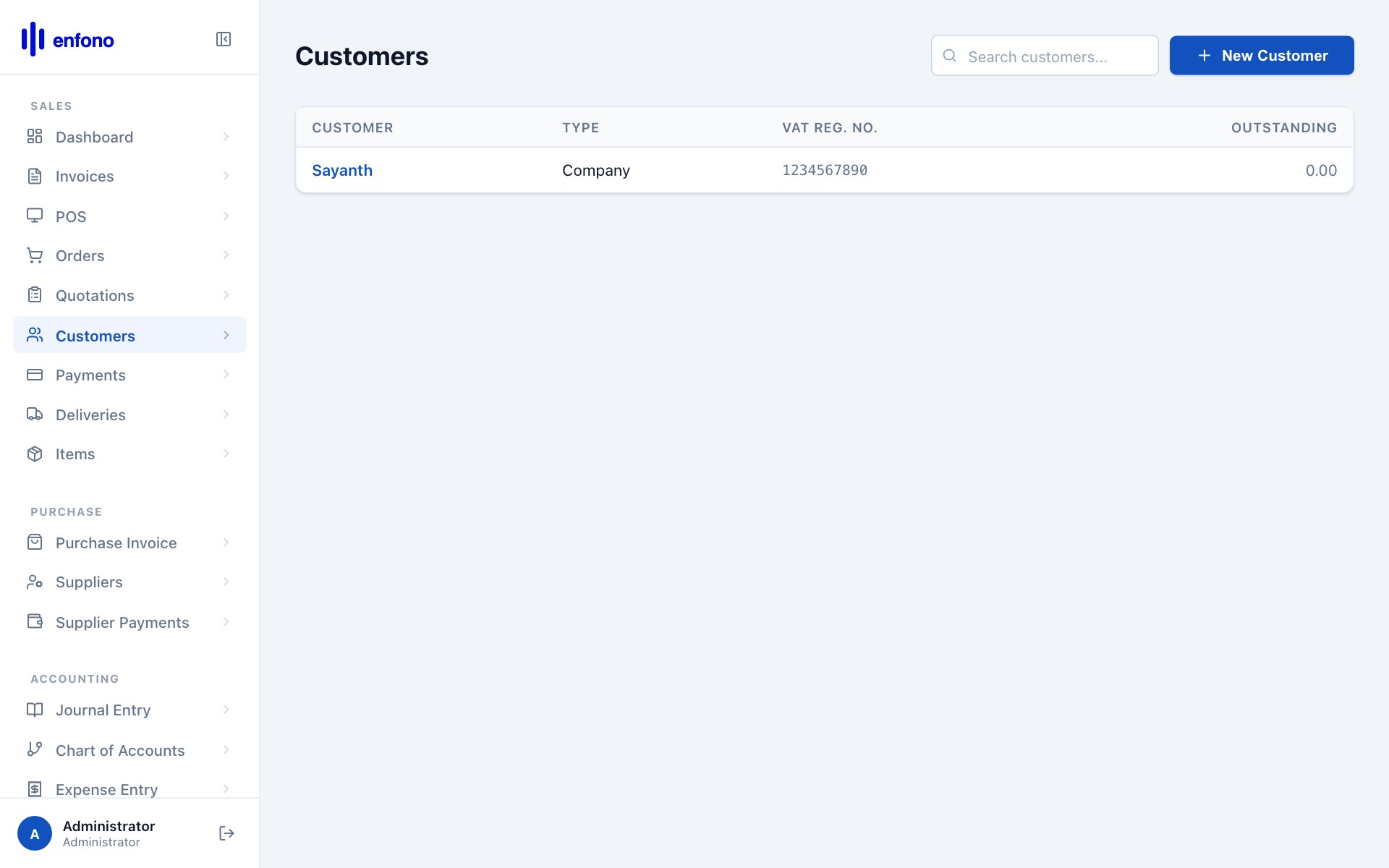
The list shows the customer name, type (Company or Individual), and the territory. Use the search bar to find any customer instantly.
Adding a new customer
Click + New Customer. The blank customer form opens:
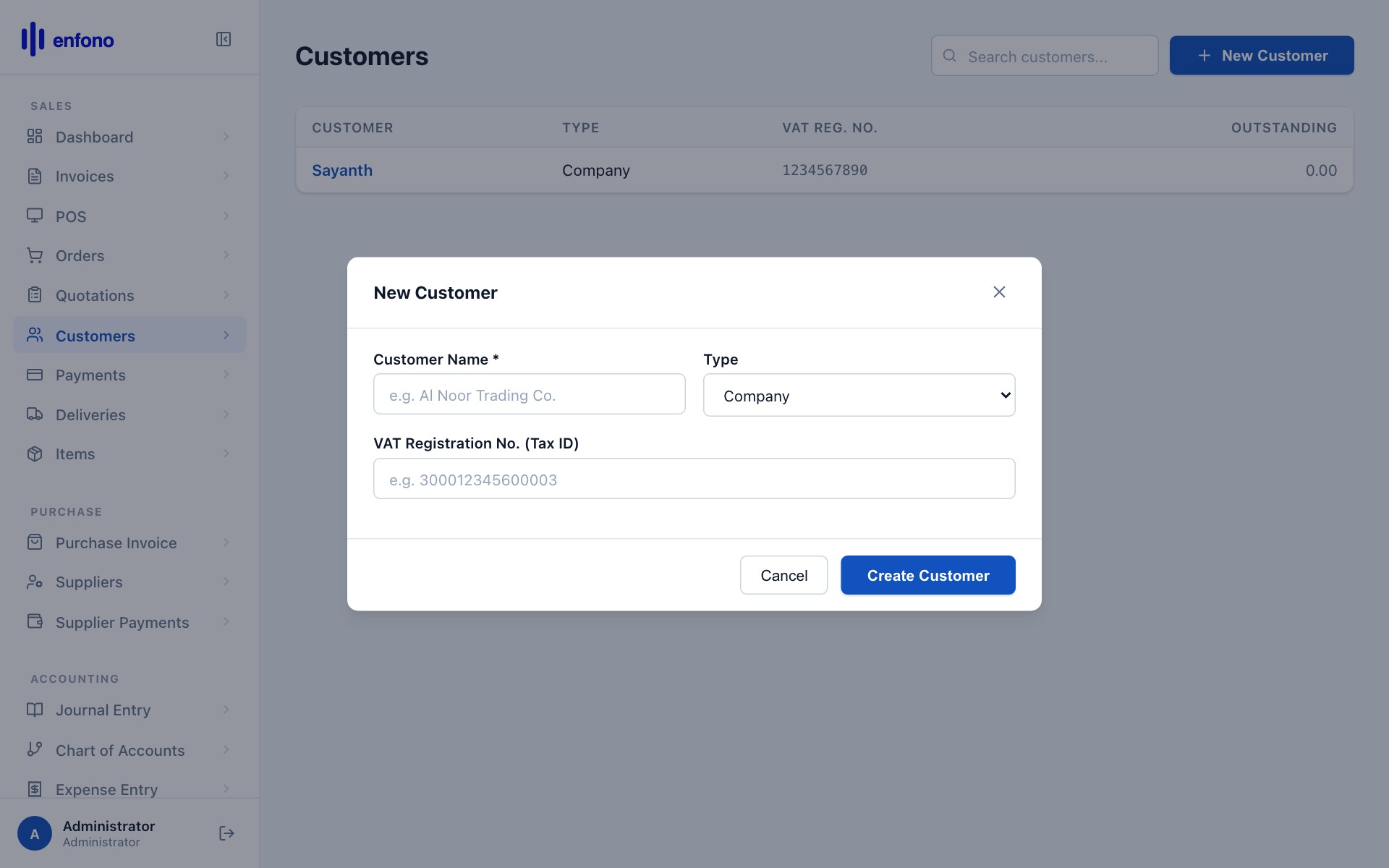
Customer Name
Enter the full legal name of the company or the person's name. This appears on all invoices.
Customer Type
Choose Company for businesses (the default for B2B), or Individual for a person.
Customer Group
A group helps you organise and report on customers. Common groups: Corporate, Government, Retail.
Territory
The region where this customer is located. Used in sales reports and for regional targets.
Tax ID (VAT Number)
For Saudi customers: enter their 15-digit VAT registration number. This prints on the invoice as required by ZATCA.
Mobile / Email
Add at least one contact method so your team can reach the customer.
Billing Address
Enter the full address. For ZATCA compliance this must match the address on their VAT certificate.
Here's the form filled in for a corporate customer:
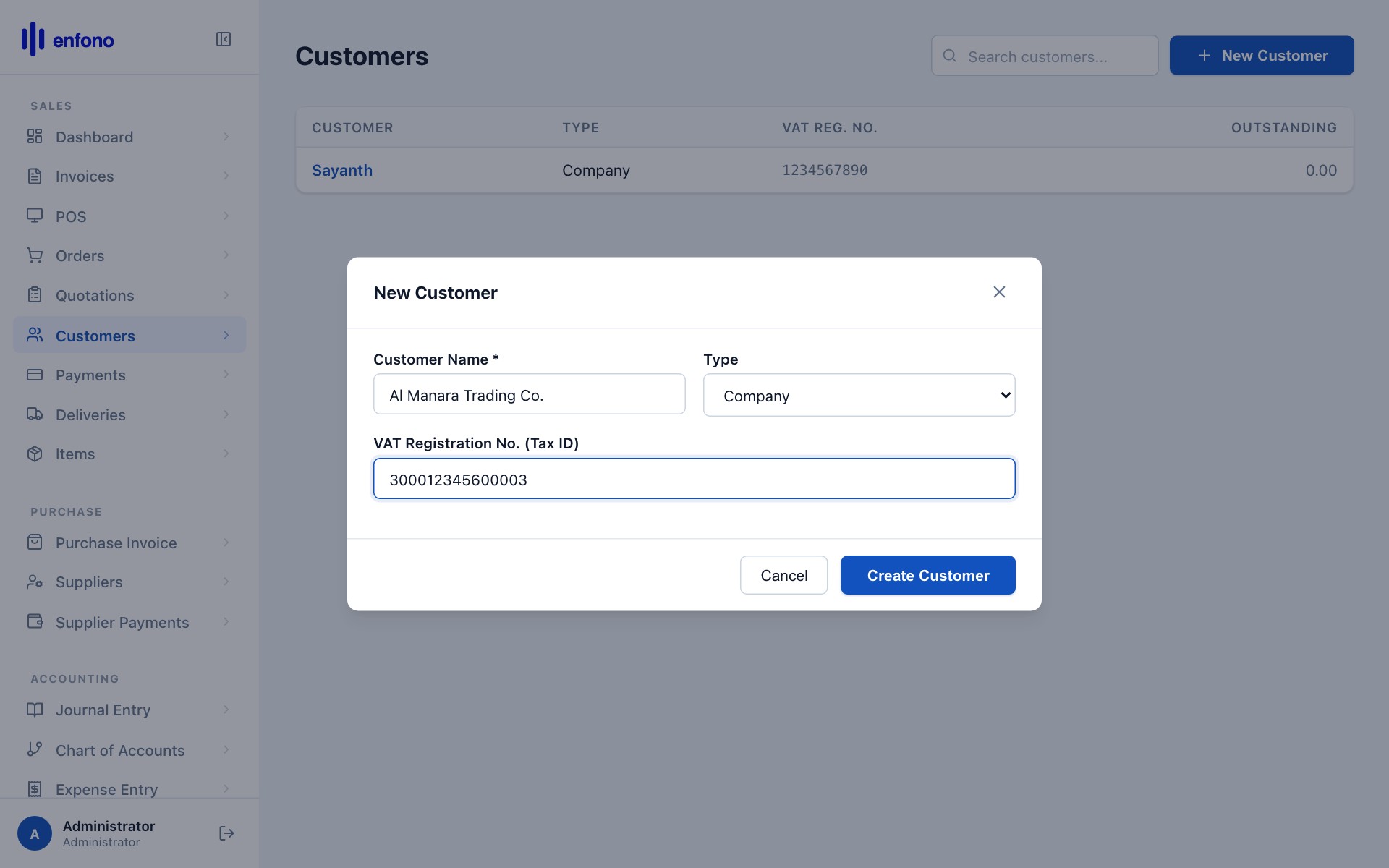
Saving the customer
Click Save. The customer record is created:
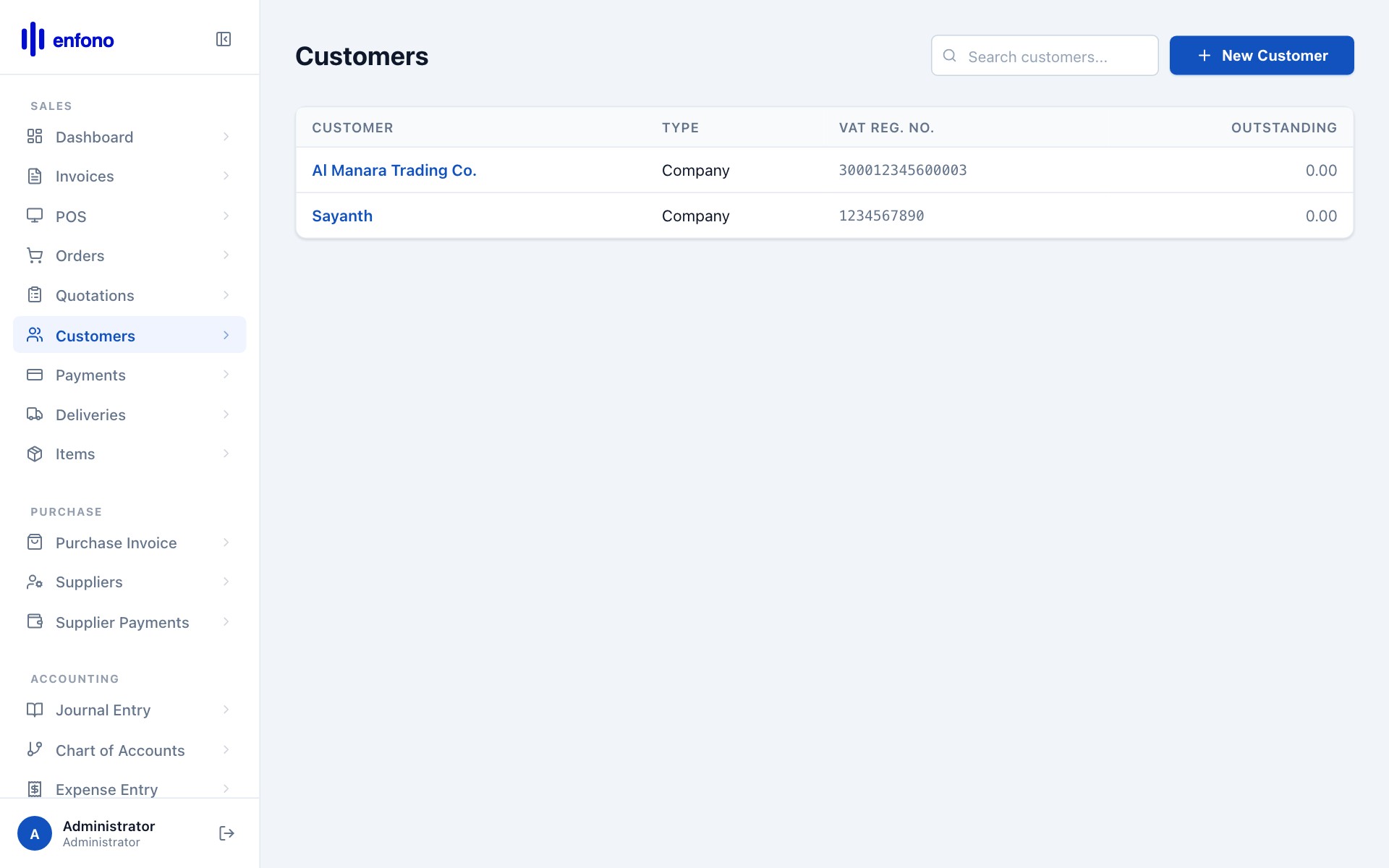
From the customer detail page you can:
- View the outstanding balance — how much this customer owes you
- See all invoices and payments linked to this customer
- Set a credit limit — Fateh will warn you before you over-extend credit
- Add multiple contacts and addresses (billing vs. delivery)
- Assign a default price list or discount percentage
Customer list with data
Customer credit limits
To set a credit limit, open the customer record, go to the Credit Limit tab and enter the maximum outstanding balance you allow. When creating an invoice that would exceed this limit Fateh will show a warning.