Stock & Warehouses
Track inventory levels, warehouse locations, and stock movements in real time.
Deliveries list
Go to Stock → Delivery Note to see all outbound shipments:
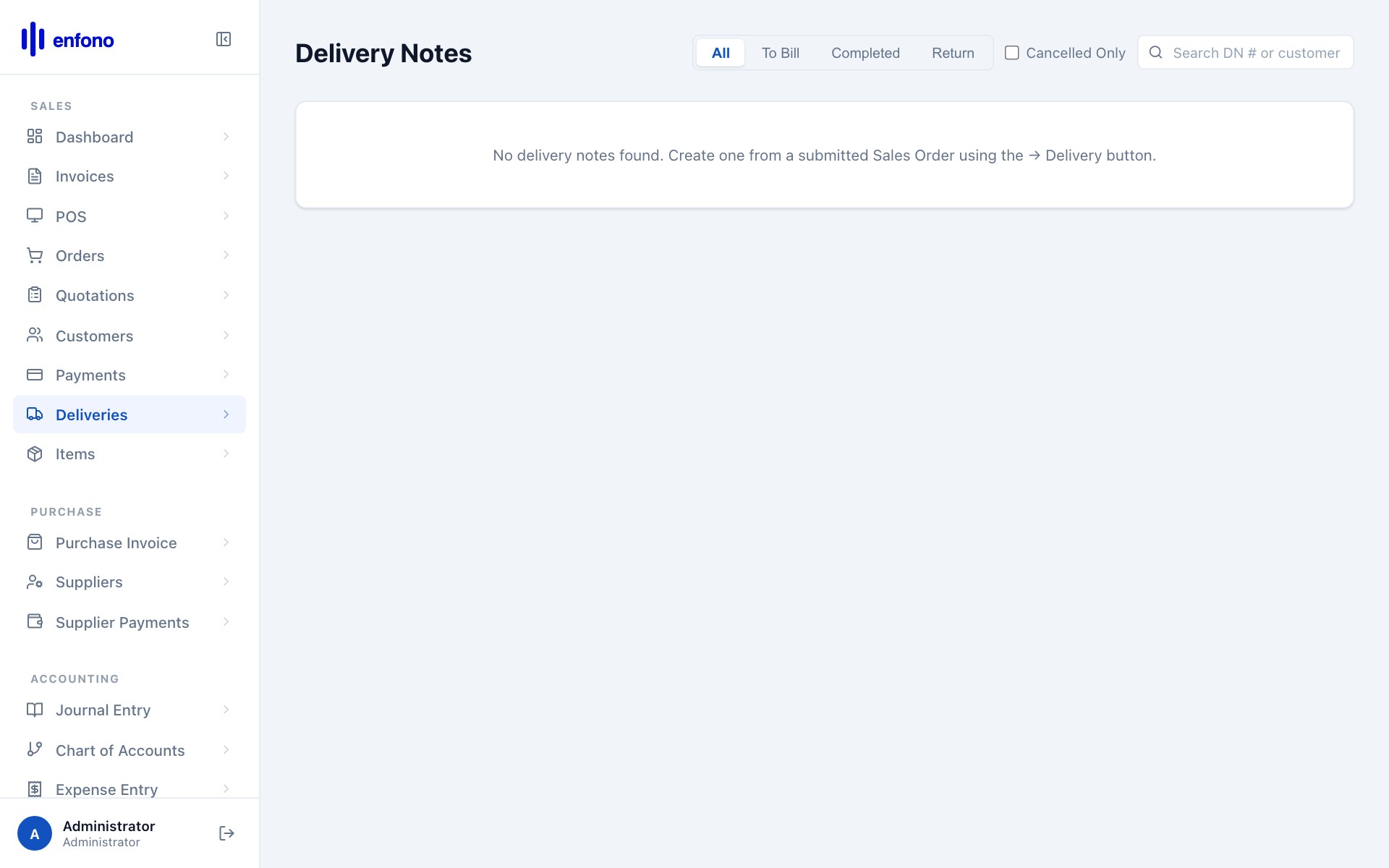
Deliveries list — all goods dispatched to customers
Stock Balance
Go to Reports → Stock Balance to see current stock levels:
- Item — the product name and code
- Warehouse — which location holds this stock
- Opening Qty — stock at the start of the period
- In Qty — stock received (purchase receipts, production)
- Out Qty — stock dispatched (deliveries, sales)
- Balance Qty — current on-hand quantity
Warehouses
Fateh supports multiple warehouses. Go to Stock → Warehouse to manage them. For each warehouse you can:
- Set a warehouse address
- Assign a default account for stock valuation
- Create child warehouses for zones or aisles
Stock Entry (Adjustments)
To manually adjust stock levels (physical stock count corrections):
1
Go to Stock → Stock Entry
Click + New Stock Entry.
2
Purpose: Material Receipt
To add stock (e.g., opening balance). Choose Material Receipt.
3
Purpose: Material Issue
To reduce stock (e.g., damaged goods). Choose Material Issue.
4
Add items
Specify the item, warehouse, and quantity.
5
Submit
The stock ledger is updated immediately.