Dashboard & Navigation
A guided tour of the Fateh ERP dashboard and how to navigate every module.
The Dashboard at a glance
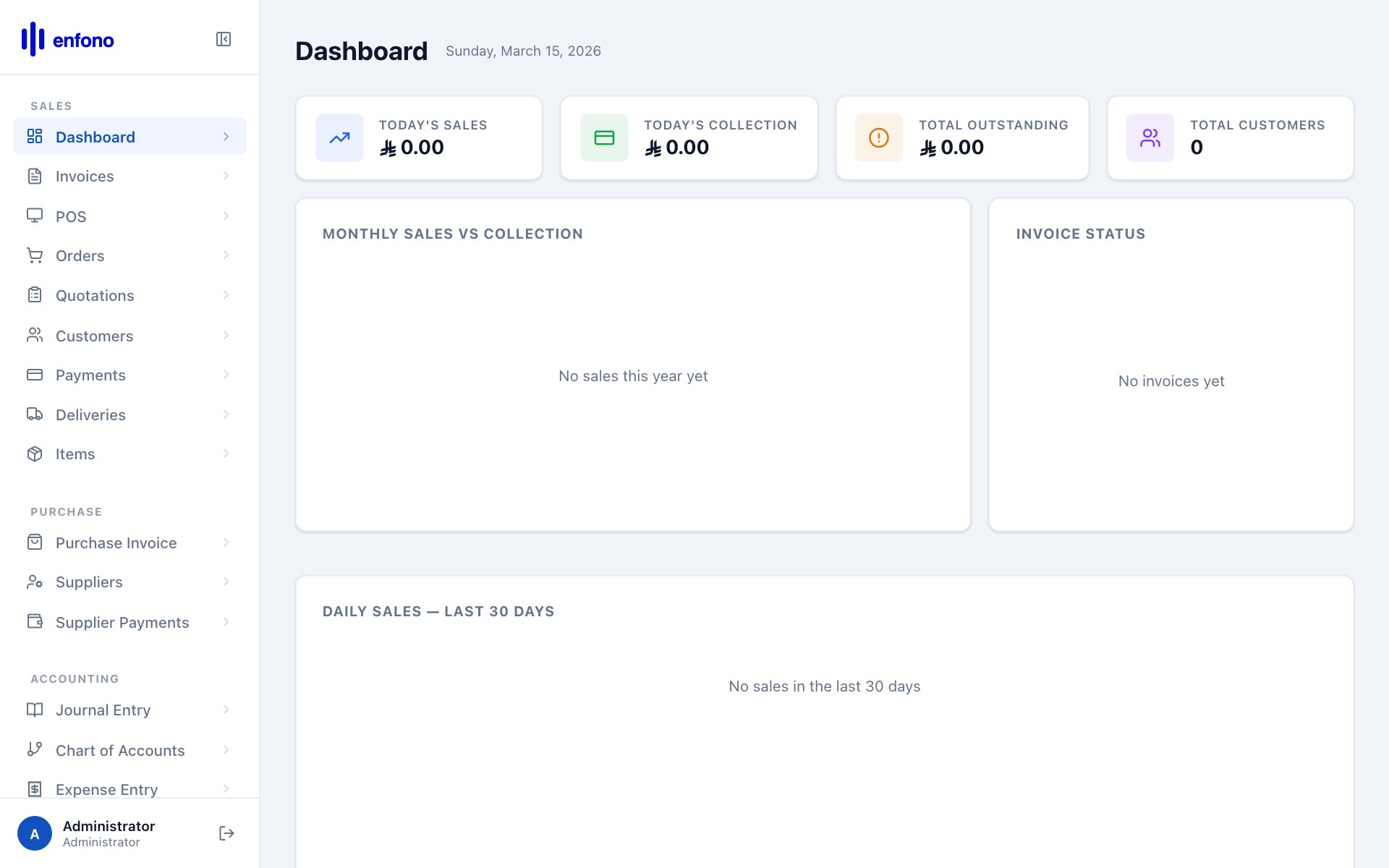
Fateh ERP Dashboard — live business snapshot
When you log in you always land on the Dashboard. Everything you need is accessible from here.
Dashboard summary cards
The row of cards at the top gives you an instant financial snapshot:
| Card | What it shows |
|---|---|
| Total Receivable | Money owed to you by customers (unpaid invoices) |
| Total Payable | Money you owe suppliers (unpaid purchase invoices) |
| This Month Sales | Total invoiced revenue in the current calendar month |
| This Month Purchases | Total bills received from suppliers this month |
| YTD Net Profit | Revenue minus expenses since the start of the financial year |
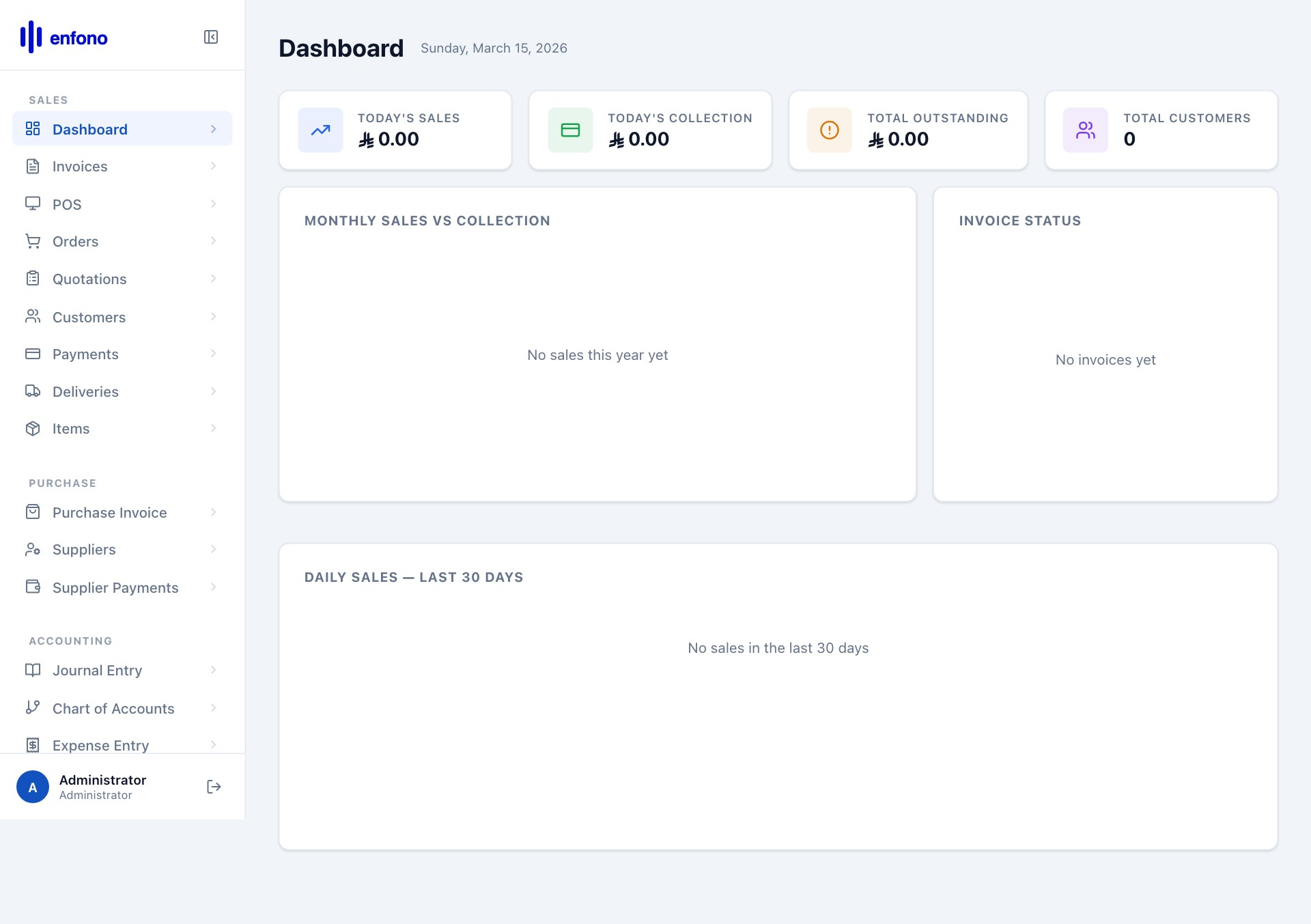
Dashboard showing live data across all modules
Left navigation menu
The left sidebar is the main menu. It's organised into modules. Click any group label to expand it:
| Menu Section | What's inside |
|---|---|
| Selling | Customers, Quotations, Sales Invoices, Sales Orders, Payments Received |
| Buying | Suppliers, Purchase Invoices, Purchase Orders, Supplier Payments |
| Stock | Items, Warehouses, Stock Ledger, Stock Balance |
| Accounts | Chart of Accounts, Journal Entry, General Ledger, Trial Balance |
| POS | Point of Sale, POS Sessions, POS Reports |
| Reports | Financial reports, Tax summaries, Sales analysis |
| Settings | Company setup, Users, Taxes, Number series, Print formats |
Using the search bar
The search bar at the top of the sidebar lets you find any module instantly. Start typing the name — for example type "inv" and you'll see Sales Invoice, Purchase Invoice appear. Click to navigate directly.
Quick keyboard shortcuts
| Key | Action |
|---|---|
Ctrl + / | Focus the search bar |
Alt + N | Create a new document in the current module |
Ctrl + S | Save the current document |
Escape | Close the current dialog or dropdown |
You can also access any page by typing its name into the top search bar. This works even for settings pages deep in the menus.