Expense Entries
Record business expenses incurred by employees or directly by the company — from petty cash to travel claims.
Expense Entries list
Go to Accounts → Expense Entry:
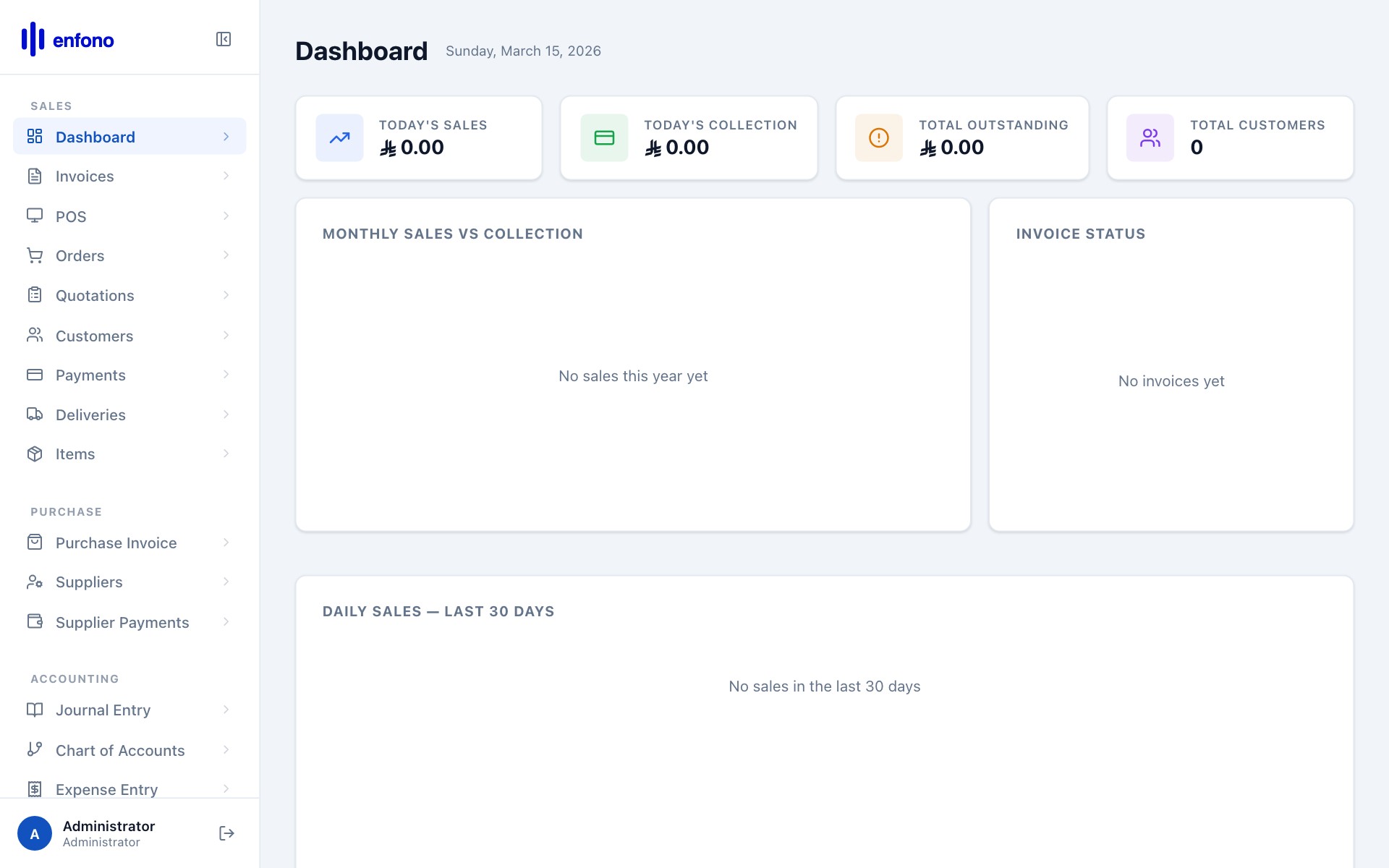
Expense Entries list — all recorded company expenses
Recording an expense
Click + New Expense Entry:
1
Employee / Claimant
Select the employee who incurred the expense (for reimbursement claims).
2
Posting Date
The date the expense was incurred.
3
Add expenses
In the table, add each expense line: expense type, description, amount.
4
Attach receipts
Click the attachment icon to upload photos of receipts for audit purposes.
5
Total
The total is calculated automatically.
6
Submit
Click Submit. If the expense requires approval it goes into the approval workflow.
Common expense types
| Expense Type | Examples |
|---|---|
| Travel | Flights, taxis, hotels, mileage |
| Entertainment | Client dinners, team lunches |
| Office Supplies | Stationery, printer ink |
| Utilities | Electricity, internet, phone |
| Software | Subscriptions, licenses |