Purchase Invoices
Record bills you receive from suppliers. Purchase invoices track what you owe, allow VAT input credit claims, and feed into your financial reports.
Purchase Invoices list
Go to Buying → Purchase Invoice:
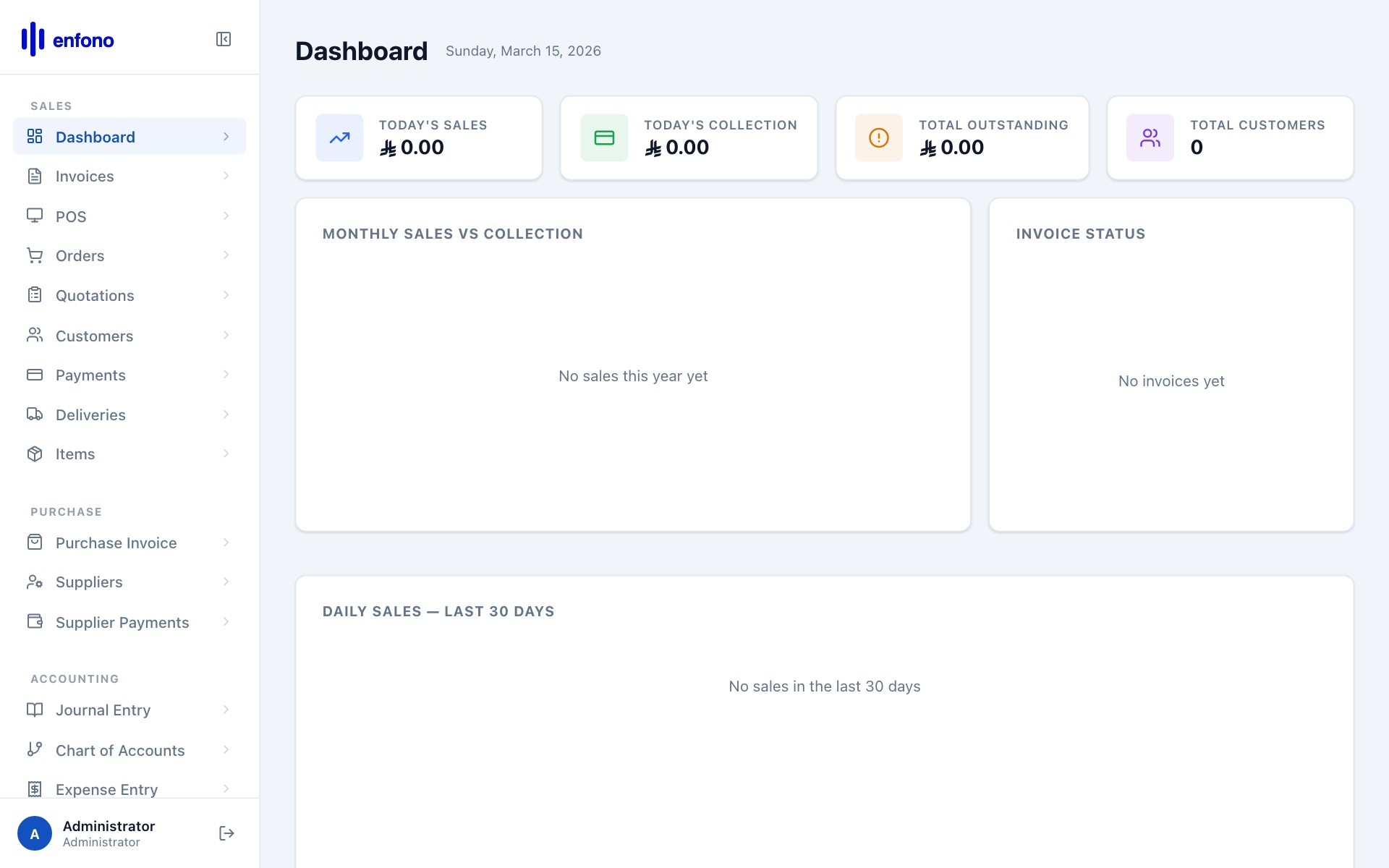
The list shows: bill number, supplier, date, total, outstanding amount, and status.
Creating a new purchase invoice
Click + New Purchase Invoice:
Supplier
Select the supplier from the dropdown.
Supplier Invoice No.
Enter the invoice number from the supplier's paper or PDF invoice. This links your record to their document.
Posting Date
The date on the supplier's invoice (not today unless they match).
Due Date
Payment deadline based on agreed payment terms.
Add Items
In the Items table, add what you purchased: item, quantity, and rate from the supplier's invoice.
Taxes
Enter the VAT shown on the supplier's invoice. This is your input VAT and is recoverable on your VAT return.
Submit
Click Submit. The payable is recorded in your accounts.
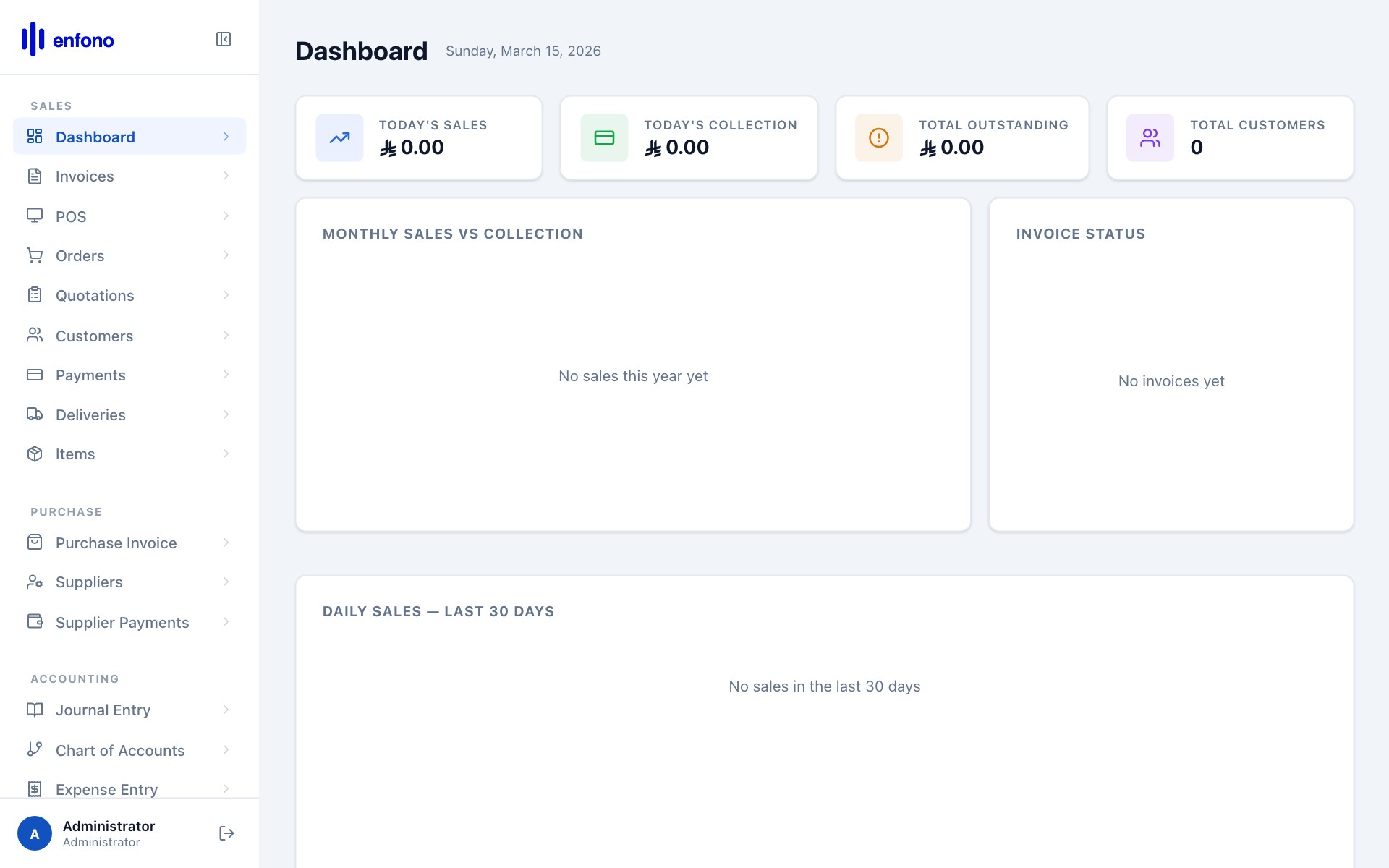
Purchase invoices with data
Paying a purchase invoice
When you're ready to pay:
- Open the purchase invoice
- Click Make Payment
- Select the bank account you're paying from
- Enter the payment amount and reference number
- Submit — the payable balance decreases